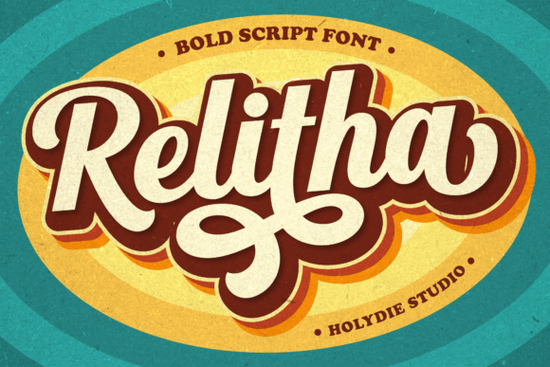
If you’ve been searching for a display font that brings retro charm with bold personality, Relitha might be exactly what your next project needs. It’s built with the groovy curves and punchy weight of 70s and 80s typography, making it ideal for anything from vintage posters to modern merch. Whether you’re designing t-shirts, packaging, or social media graphics, this font adds instant character without needing layers of effects.
What kinds of projects work best with Relitha?
This isn’t a font you’d use for body text and that’s okay. Relitha shines when used big and bold. Think:
- Vintage logos for cafes, record shops, or handmade goods
- T-shirt designs with retro slogans or band-style graphics
- Event posters for themed parties, concerts, or flea markets
- Book covers for mystery, sci-fi, or nostalgia-driven stories
- Product packaging that wants to stand out with a handcrafted, analog feel
Because it’s PUA encoded, you get full access to alternate glyphs and swashes right inside your design software no extra plugins or glyph hunting required. That’s especially helpful if you’re using tools like Canva, Affinity, or Adobe apps and want to switch up letter endings or add flair quickly.
How does it compare to other display fonts on Creative Fabrica?
If you’ve tried fonts like Jersey Outline for sporty vibes or Right Point for sharp, angular headlines, Relitha offers something different: warmth and movement. It doesn’t feel stiff or corporate. Instead, it leans into playful imperfections slightly uneven curves, exaggerated terminals that give your work personality.
For those who love collegiate styles, pairing it with something like College can create a fun contrast between structured block letters and free-flowing retro script. Or, if you’re layering textures or outlines, Start Dash works well as a secondary font for short taglines beneath a Relitha headline.
Is it easy to use for beginners?
Absolutely. Even if you’re new to typography, Relitha behaves predictably. The letters are spaced generously, so you won’t fight with kerning unless you’re going for ultra-tight layouts. Most design programs will recognize its OpenType features automatically, meaning swashes and alternates show up in dropdown menus or right-click options.
One tip: avoid tiny sizes. This font loses its charm below 24pt. Stick to headlines, badges, or large-format prints where every curve and tail can breathe.
Can I use it commercially?
Yes and that’s one reason it’s popular among print-on-demand sellers and small business owners. You can use Relitha on products you sell, whether that’s mugs, tote bags, or digital downloads. Just make sure you’re not redistributing the font file itself or claiming it as your own creation.
Creative Fabrica’s standard license covers most commercial uses, but always double-check their current terms if you’re working on client projects or mass production runs.
What should I pair it with?
Relitha has strong visual weight, so pair it with clean, simple sans-serifs to keep things balanced. Fonts like Montserrat, Lato, or even system fonts like Arial (yes, really) let Relitha take center stage without competing.
For color schemes, lean into earth tones, mustard yellows, faded teals, or washed-out pinks palettes that match its era. A textured background or halftone overlay can also enhance the vintage effect without needing extra illustration work.
Quick checklist before you start:
- Install the font and restart your design app if needed
- Enable OpenType features to access swashes and alternates
- Use at larger sizes 24pt minimum for readability
- Pair with a neutral font for supporting text
- Test contrast dark Relitha on light backgrounds usually works best
If you’re still browsing, take a look at this page for mockups and real-world examples. Sometimes seeing the font in action helps more than reading about it.
Download Now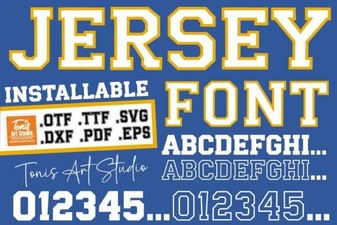 Clean Jersey Number Fonts for Sports & Design Projects
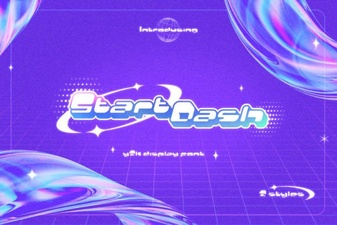 Start Dash Font: Creative Projects & Design Ideas
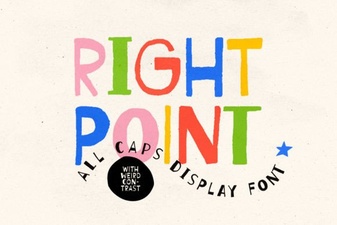 The Right Point Font: Clean Design for Digital Projects
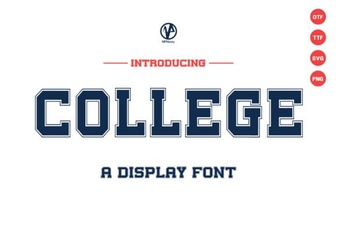 The Right Fonts for College Projects and Presentations
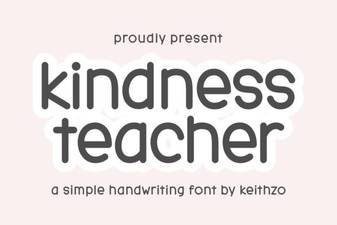 The Kindly Font for Educational Projects
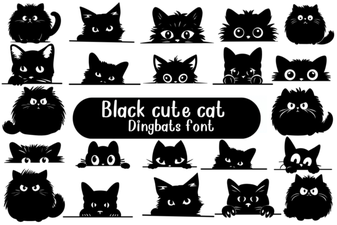 Adorable Cat Fonts for Creative Projects