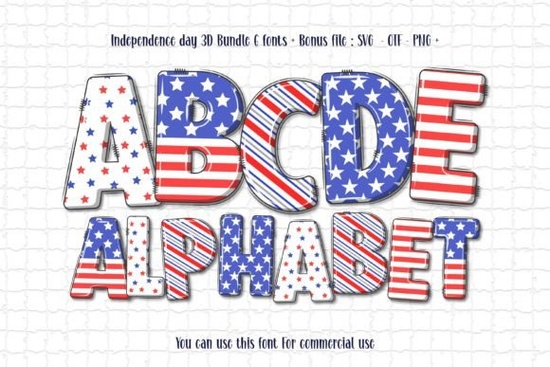
If you’re looking to add a bold, dimensional touch to your patriotic projects, the Independence Day 3D Font is worth checking out. Whether you’re designing t-shirts for July 4th, crafting vinyl decals for tumblers, or putting together printable party decor, this bundle gives you six color-rich fonts that bring depth and texture without needing extra layers or effects. It’s especially handy if you want your text to stand out with that classic red, white, and blue flair no manual shading or gradients required.
Which design programs work with the color version?
The full-color versions of these fonts are built for specific software: Adobe Photoshop, Illustrator, Silhouette Studio, and Inkscape. These apps support OpenType SVG (color fonts), which lets you see and edit the layered, multi-hued letters right inside your document. If you're used to working with regular TTF or OTF files in Cricut Design Space, keep in mind that those won’t show the colors only the black outline version will work there. That’s not a dealbreaker, though. You can still use the black version as a base and manually fill in colors later if needed.
Can I use this with my cutting machine?
Yes but with one important note. Only the black outline version of the Independence Day 3D Font is compatible with Cricut, Silhouette Cameo, and similar machines. The color versions are strictly for digital design. If you’re planning to cut physical materials like vinyl, heat transfer, or cardstock, stick to the single-color file. For more guidance on how color fonts work across different platforms, Creative Fabrica’s Ultimate Font Guide walks you through setup steps and compatibility tips.
What kinds of projects is this font best for?
This bundle shines when you need eye-catching typography that feels celebratory and meaningful. Think:
- Print-on-demand shirts, mugs, and tote bags for patriotic holidays
- Party invitations, banners, and yard signs for neighborhood BBQs
- Social media graphics for small businesses running Fourth of July sales
- Scrapbook layouts or framed quotes for home decor
Because each letter has built-in dimension and color variation, you don’t need advanced skills to make your designs pop. Just type, size, and export. It also pairs well with other themed fonts try mixing it with the Colorful USA Flag Font for layered headlines or the Mermaid Rainbow Font if you’re going for a fun, festive mashup.
How do I install and start using it?
Once you download the .zip folder from Creative Fabrica, unzip it and look for two sets of files: one labeled “Color” and one labeled “Black.” Install the OTF or TTF files just like any other font through your system’s font manager. Then open your preferred design program again, remember that only certain apps will display the full-color effect. In Photoshop or Illustrator, you’ll see the vibrant 3D look right away. In Cricut Design Space, upload the black version as an SVG or use the installed font via the text tool.
Are there similar fonts I should consider?
If you like the dimensional style but want something less holiday-specific, check out the Neon Collection Font for glowing, retro-inspired text, or the Safari Font if you’re working on nature-themed or kids’ projects. Each of these brings its own playful energy while keeping the same easy-to-use, multi-color format.
You can browse all these options directly on Creative Fabrica: Independence Day 3d Font.
Quick checklist before you start:
- Confirm your software Use Photoshop, Illustrator, Silhouette, or Inkscape for color; Cricut only works with the black version.
- Install both versions Keep the color files for digital use and the black files for cutting or printing.
- Test at different sizes Some fine details may get lost if scaled too small, especially on physical products.
- Pair with simple backgrounds Let the font do the talking; avoid busy patterns behind it.
Start small maybe a greeting card or Instagram story before jumping into larger merch projects. That way, you’ll get comfortable with how the font behaves in your workflow. Happy creating, and happy Fourth!
Explore Design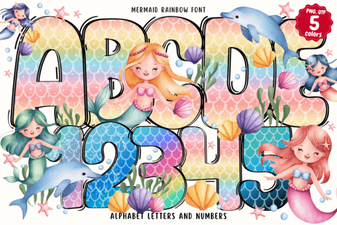 Design Your Own Projects with Mermaid Rainbow Font
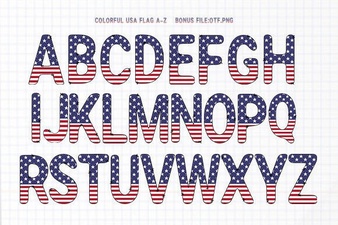 Free Download: Usa Flag Fonts for Patriotic Designs
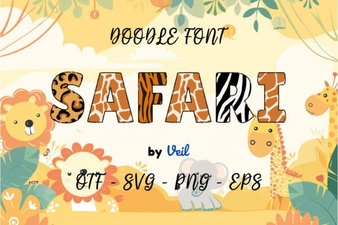 Elevate Your Web Design with Safari Font
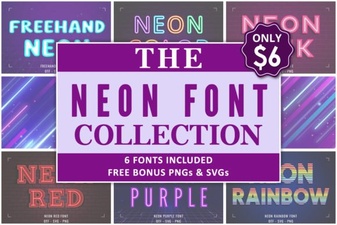 Light Up Your Designs with Neon Fonts
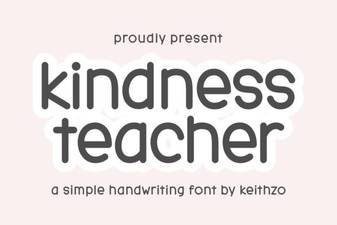 The Kindly Font for Educational Projects
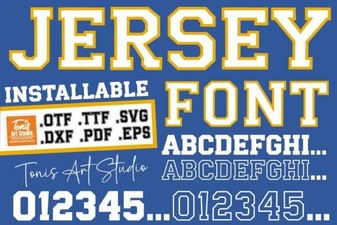 Clean Jersey Number Fonts for Sports & Design Projects